


Latest Version
Arvind Murali
Tools
iOS
Free
6747162584
Report a Problem
More About File Manager: Files & Vault
A Comprehensive Look at the File Manager: Files & Vault iOS App
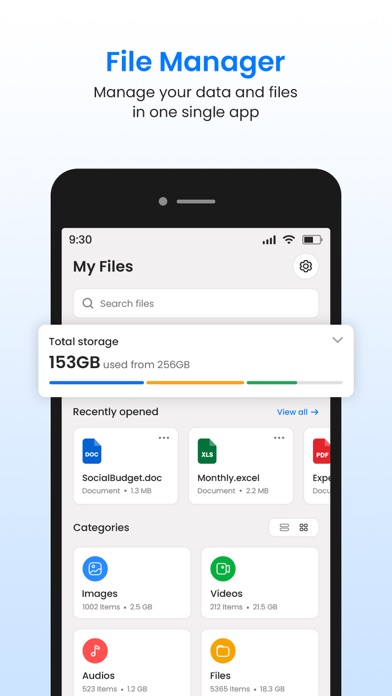
Managing files on a mobile device often feels like a compromise between accessibility and security. The File Manager: Files & Vault file organizer by developer Arvind Murali offers iOS users a robust, unified platform designed to bridge this gap. Categorized as a utility tool, this application aims to replace several single-use utilities by combining cloud storage integration, media viewing, and secure local encryption into a single, cohesive workspace.
Who is File Manager: Files & Vault Designed For?
This application is highly suited for professionals handling sensitive corporate documents, creators managing media on the go, and everyday users who require structured folder hierarchies on their iPhone or iPad. If you find the default iOS file management system too basic for your workflow, the advanced structuring and security options here offer a significant upgrade.
Key Capabilities of the File Manager: Files & Vault File Organizer
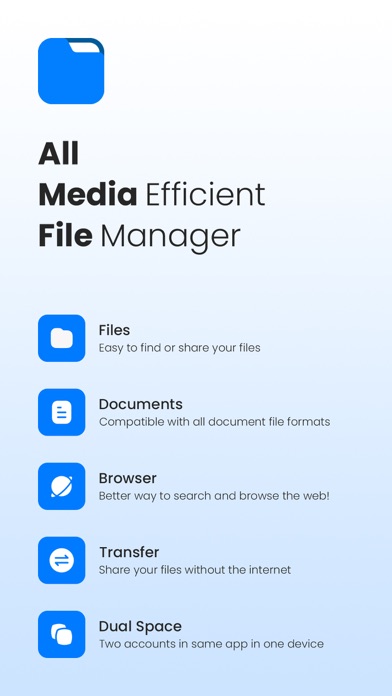
- Secure Vault and Privacy Lock: Protect your confidential documents, private photos, and sensitive data behind a secure PIN or pattern lock.
- Seamless iCloud Integration: Sync and manage folders effortlessly across your entire Apple ecosystem, ensuring your files are accessible whenever you need them.
- Wireless File Transfers: Move documents and media between devices over a local Wi-Fi connection without needing physical cables or desktop sync software.
- Dual Space Mode: Maintain a healthy work-life balance by separating your professional assets from your personal media within distinct, isolated workspaces.
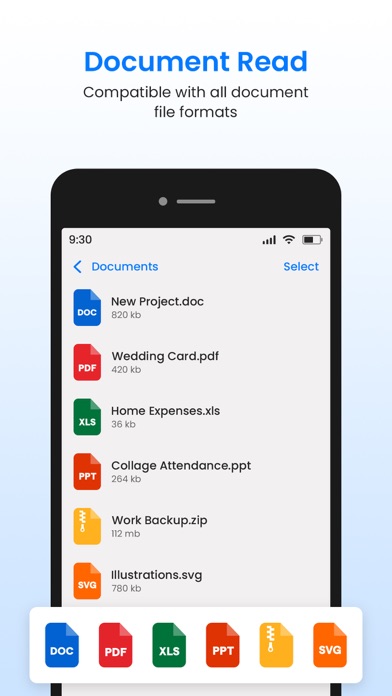
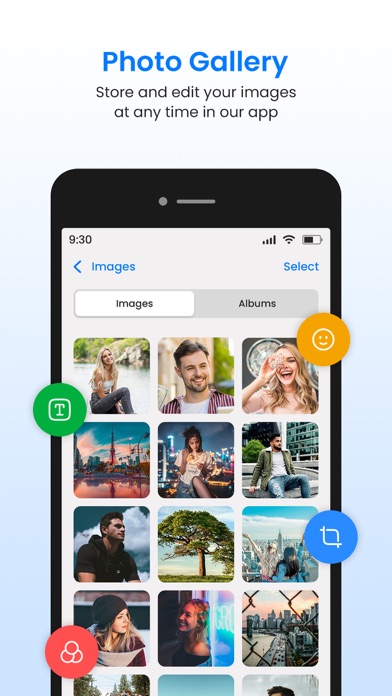
- Built-In Document Viewer and Photo Editor: View PDFs, images, and video files directly in the app. You can also utilize the integrated editor to crop, filter, or annotate images on the fly.
- Private Web Browser: Browse the internet securely using an in-app browser designed to protect your privacy.
Editorial Verdict: Structured, Secure, and Efficient
What makes the File Manager: Files & Vault file organizer stand out is its commitment to data privacy. Instead of relying on multiple third-party apps to edit a photo, view a PDF, browse privately, and lock down personal data, users can manage their entire digital workflow inside a single interface. The dual-space functionality is particularly helpful for those using their personal iPads or iPhones for corporate tasks.
To experience this versatile utility firsthand, visit the official Apple App Store today to explore its features and subscription options.
Rate the App
User Reviews











Popular Apps










Editor's Choice